
Minecraft schematics: how to build a house, a castle and more
Pick a build, look at it in 3D and build it step by step: layer by layer, with a materials list for every layer. Houses, castles and towers for survival, in .litematic, .schem and .nbt formats.
Minecraft builds with schematics
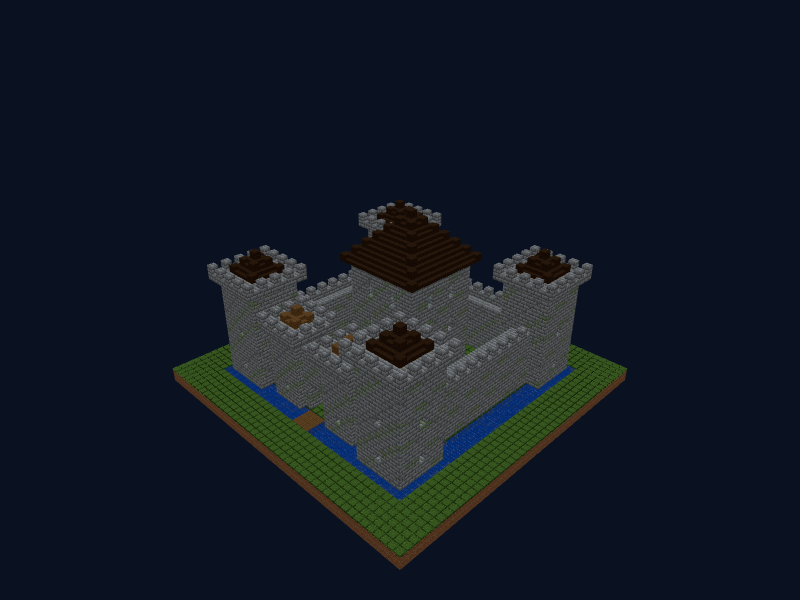
Medieval Castle
A stone castle with a moat and drawbridge: a crenellated wall, four corner towers, a gate with a portcullis and a central keep with a dark oak roof.
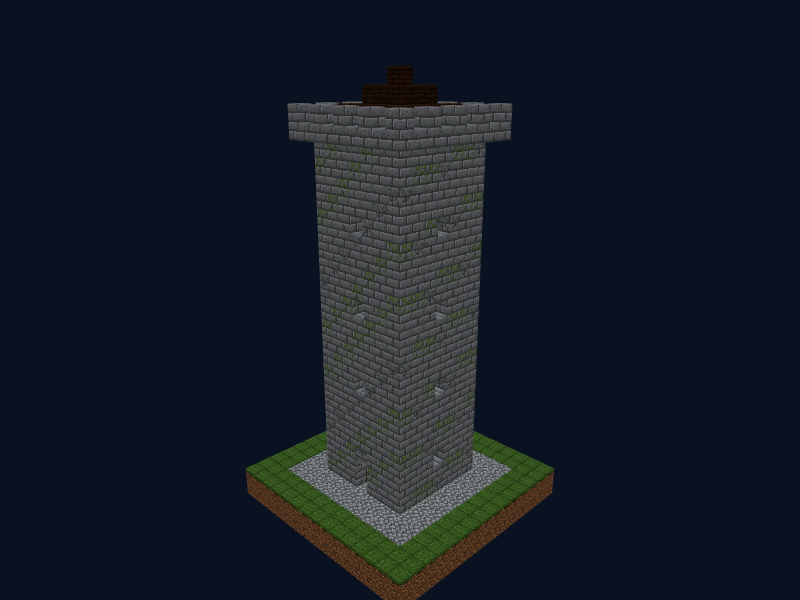
Watchtower
A tall stone tower with arrow slits, a ladder inside, a crenellated platform and a pointed roof.
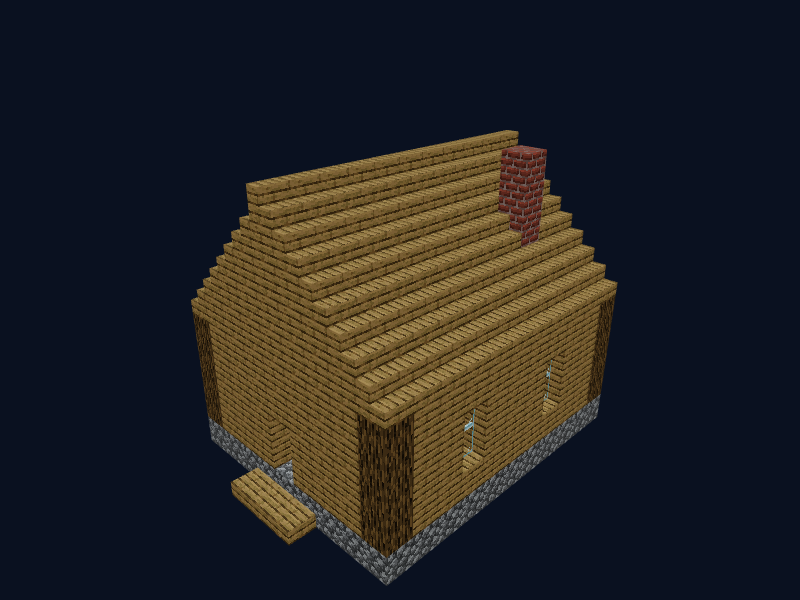
Oak Cottage
A simple, cosy house made of oak and cobblestone with a gabled roof, windows and a chimney.
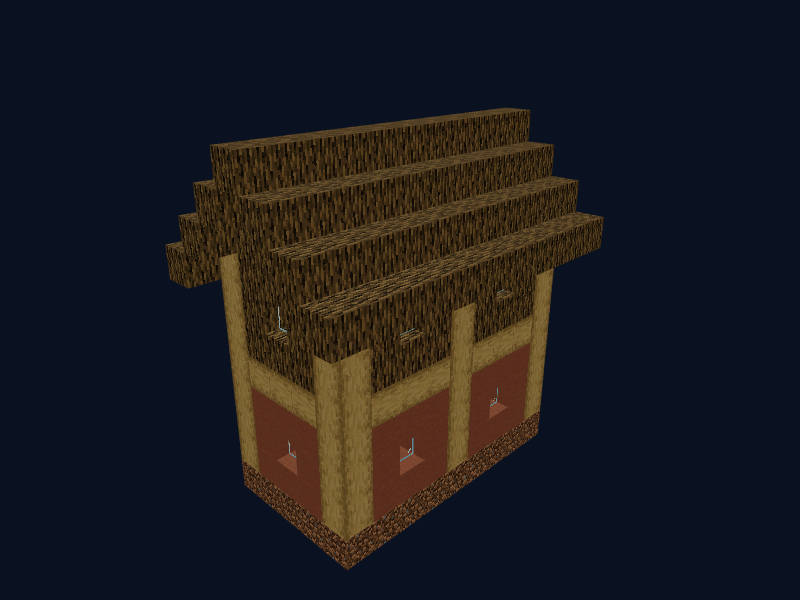
Big House (Oak)
A spacious village house with oak walls, a terracotta roof, beds and windows.
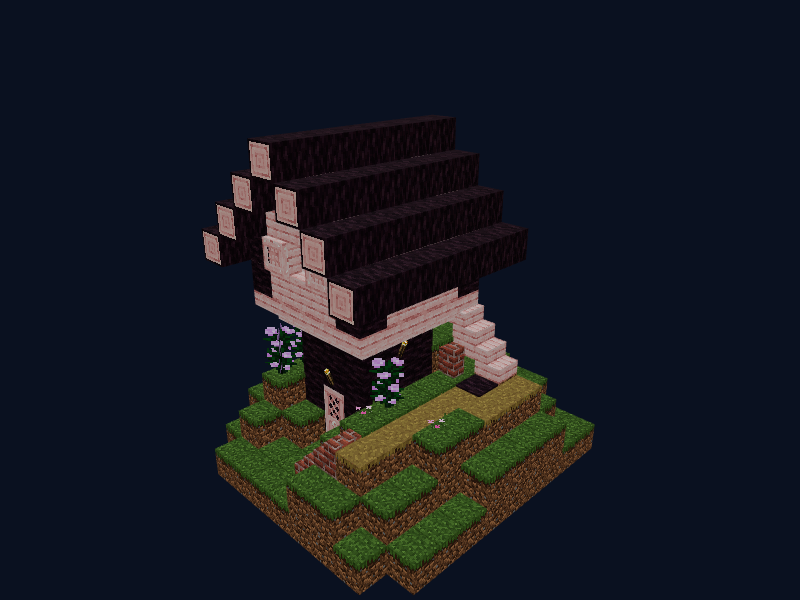
Cherry House
A cherry wood house with pink petals, peonies and a flower bed at the entrance.
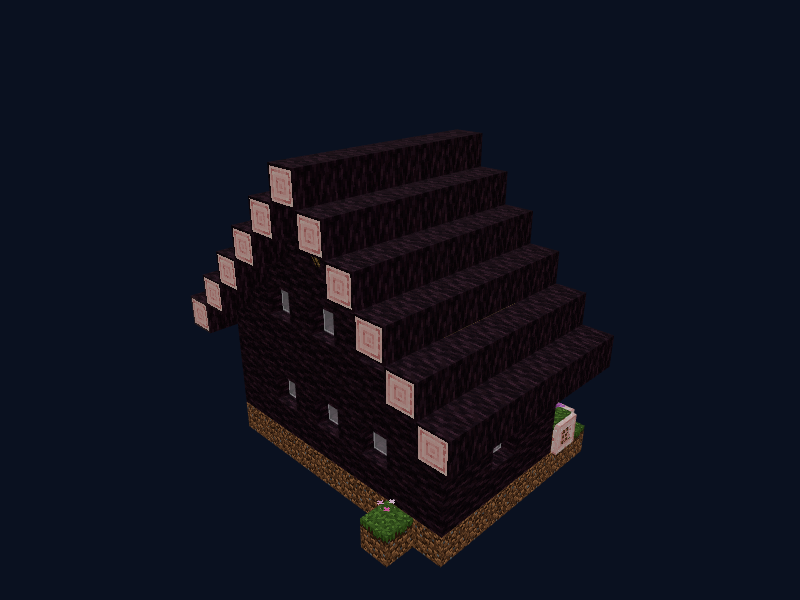
Cherry Library
A cherry wood library with bookshelves, torches and glass windows.
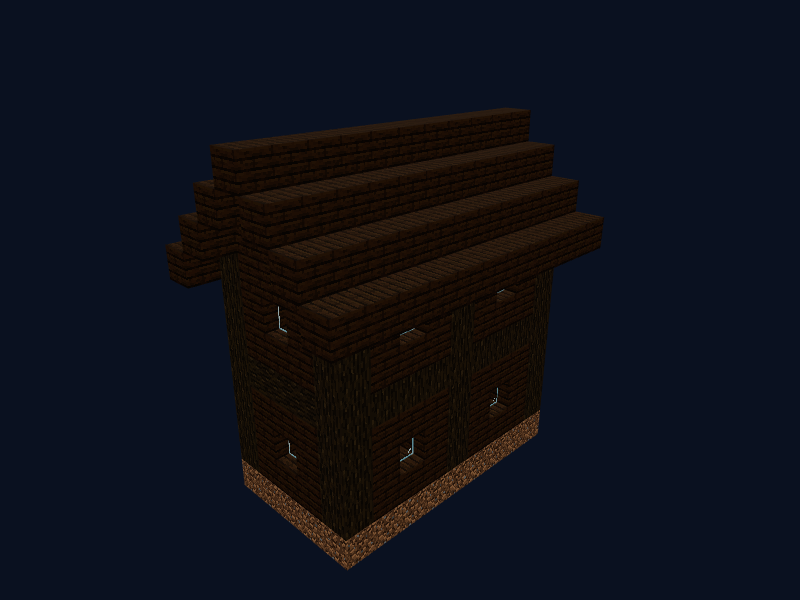
Dark Oak House
A gloomy dark oak house with beds, windows and stonework.
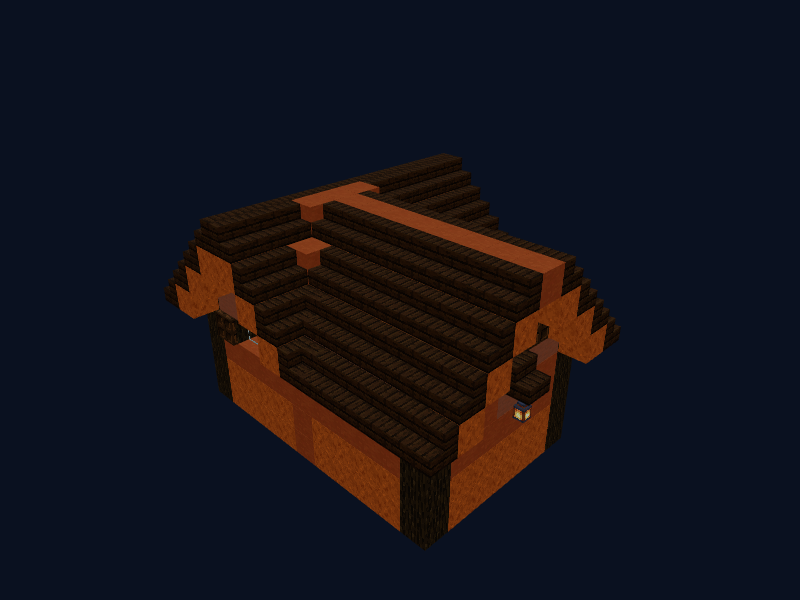
Badlands House
A house of smooth red sandstone and dark oak in a desert and badlands style.
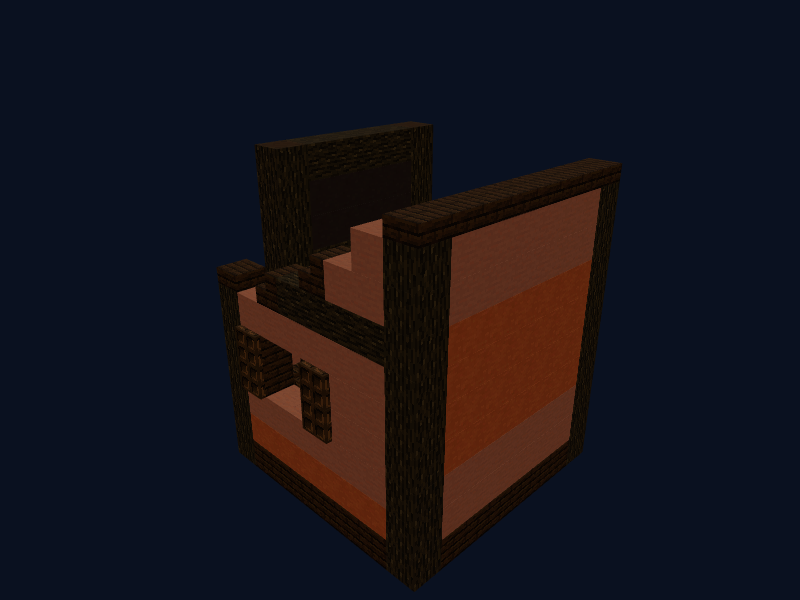
Saloon
A Wild West style saloon of dark oak and terracotta with trapdoors and shutters.
What is a Minecraft schematic
A schematic is a saved build stored as a file. It records which block sits at every position, so the build can be recreated anywhere. Different tools use different formats: .litematic is opened by the Litematica mod, .schem by WorldEdit, and .nbt files are structures loaded by the in-game structure block.
Even if you do not plan to paste the build automatically, a schematic is the best blueprint: you can see the size, the shape of the roof, where the windows go and how many blocks you need to collect.
How to build a house from a schematic: step by step
- Pick a build. For your first house choose a small one, for example the oak cottage.
- Check the materials list. Every build page tells you how many stacks to gather. Take a few spare blocks.
- Open the 3D view. Rotate the model and look at the house from every side. The "+" and "−" buttons raise or lower the layer.
- Build from the bottom up. Lay the foundation, then walls, windows, floors and finally the roof. Turn on "Only the current layer" to see a single layer on screen.
- Add the details. Torches, carpets, beds and chests go last. They do not change the shape, but a house is not livable without them.
How to open .litematic, .schem and .nbt files
| Format | Opened with | Where to put the file |
|---|---|---|
| .litematic | Litematica mod | .minecraft/schematics |
| .schem | WorldEdit (plugin or mod) | plugins/WorldEdit/schematics |
| .nbt | In-game structure block | generated/minecraft/structures |
Every build page has detailed instructions. You can also just open your own file in the 3D viewer: it is processed in your browser and never uploaded.
FAQ
What is a schematic in Minecraft?
A schematic is a file with a finished build: it records every block and its position. You can paste it into a world with a mod or plugin, or use it as a blueprint and build by hand while looking at the 3D model.
How do I build a house in Minecraft from a schematic?
Open the build in the 3D viewer, check the materials list, gather the blocks and build layer by layer: the + and − buttons show what to place on each layer.
Which schematic formats does the site open?
The viewer reads .litematic (Litematica), .schem (WorldEdit) and .nbt (structure block). You can also open your own file from your computer: it is not uploaded anywhere.
Can I build from a schematic in survival without mods?
Yes. The materials list and the layer-by-layer view are enough: place the blocks by hand like a blueprint. Mods and plugins are only needed to paste a build automatically.
Is it free?
Yes, viewing and downloading are free. We show ads, which help keep the site free.
Build on our server
Ideas are best tested in the game. On the BeezzLand server we play pure vanilla with no teleports or claims: join with play.beezzland.com, build a house or a castle and show it to your friends.