
Minecraft schematics › Saloon
Saloon: Minecraft schematic
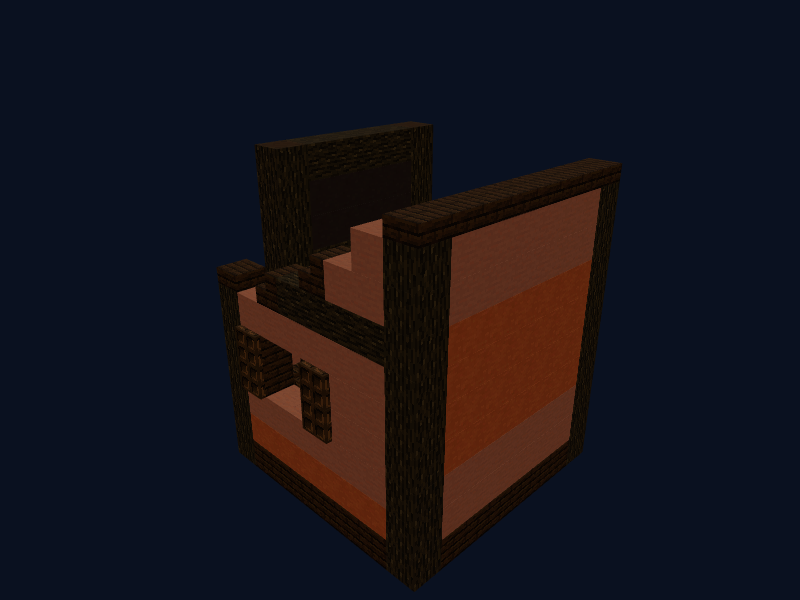
A Wild West style saloon of dark oak and terracotta with trapdoors and shutters. Works well as a tavern on a server.
Materials for the build
To build the "Saloon" you need 379 blocks of 15 kinds. The full list is below; stacks (64 each) are approximate.
| Material | Amount | Stacks |
|---|---|---|
| Dark Oak Planks | 78 | 1 stack + 14 |
| Terracotta | 74 | 1 stack + 10 |
| Dark Oak Log | 68 | 1 stack + 4 |
| Orange Terracotta | 46 | 46 |
| Dark Oak Wood | 38 | 38 |
| Dark Oak Slab | 24 | 24 |
| Dark Oak Stairs | 16 | 16 |
| Dark Oak Trapdoor | 13 | 13 |
| Gray Terracotta | 8 | 8 |
| Lantern | 4 | 4 |
| Cobweb | 3 | 3 |
| Orange Wall Banner | 3 | 3 |
| Dark Oak Fence | 2 | 2 |
| Smoker | 1 | 1 |
| Chest | 1 | 1 |
How to build the saloon: layer by layer
Build from the bottom up. Layer 1 is the lowest. In the 3D viewer turn on "Only the current layer" to see the shape of each layer on its own.
- Layer 1 (66 blocks): dark oak planks ×60, dark oak log ×6.
- Layer 2 (65 blocks): dark oak wood ×38, orange terracotta ×12, terracotta ×8, dark oak log ×4 and more.
- Layer 3 (43 blocks): terracotta ×20, dark oak stairs ×7, dark oak planks ×6, dark oak log ×4 and more.
- Layer 4 (32 blocks): dark oak trapdoor ×8, terracotta ×6, dark oak planks ×6, orange terracotta ×6 and more.
- Layer 5 (32 blocks): terracotta ×8, orange terracotta ×6, dark oak log ×4, dark oak planks ×4 and more.
- Layer 6 (30 blocks): terracotta ×12, dark oak log ×10, orange terracotta ×6, dark oak stairs ×2.
- Layer 7 (41 blocks): dark oak log ×22, dark oak slab ×8, orange terracotta ×6, dark oak stairs ×2 and more.
- Layer 8 (34 blocks): terracotta ×10, orange terracotta ×6, dark oak slab ×6, dark oak log ×4 and more.
- Layer 9 (22 blocks): terracotta ×10, dark oak log ×4, gray terracotta ×4, orange terracotta ×4.
- Layer 10 (14 blocks): dark oak slab ×8, dark oak log ×6.
How to paste the schematic into the game
This build is saved as Structure block (.nbt). To place it automatically:
- Put the file into
saves/YOUR_WORLD/generated/minecraft/structures(create the folder if it does not exist). - Get a structure block with
/give @s structure_blockand place it where the build should be. - In "Load" mode enter the file name without the extension, press "Load" and then "Place".
- To build by hand use the layer list below and the 3D view.
Do not want to install anything? Build by hand: open the build in 3D, follow the layer list above and gather the materials from the table.
More Minecraft builds
Medieval Castle
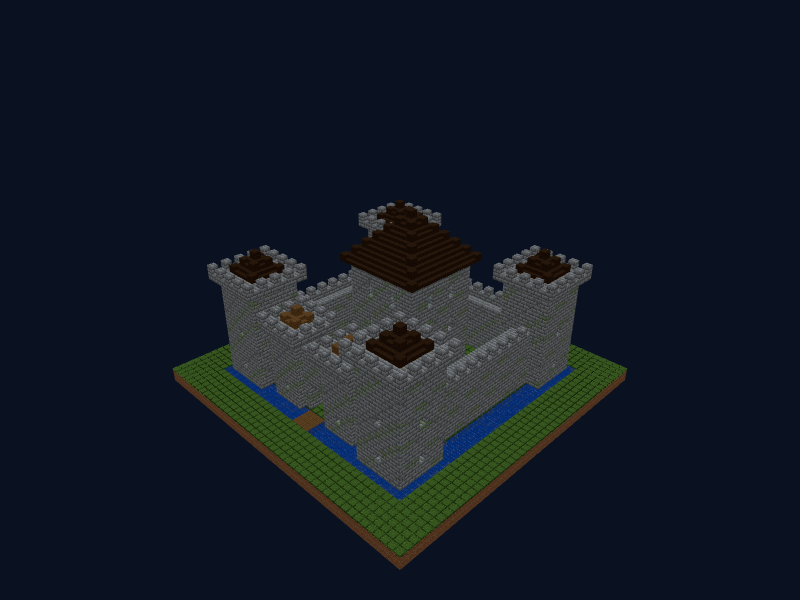
A stone castle with a moat and drawbridge: a crenellated wall, four corner towers, a gate with a portcullis and a central keep with a dark oak roof.
Watchtower
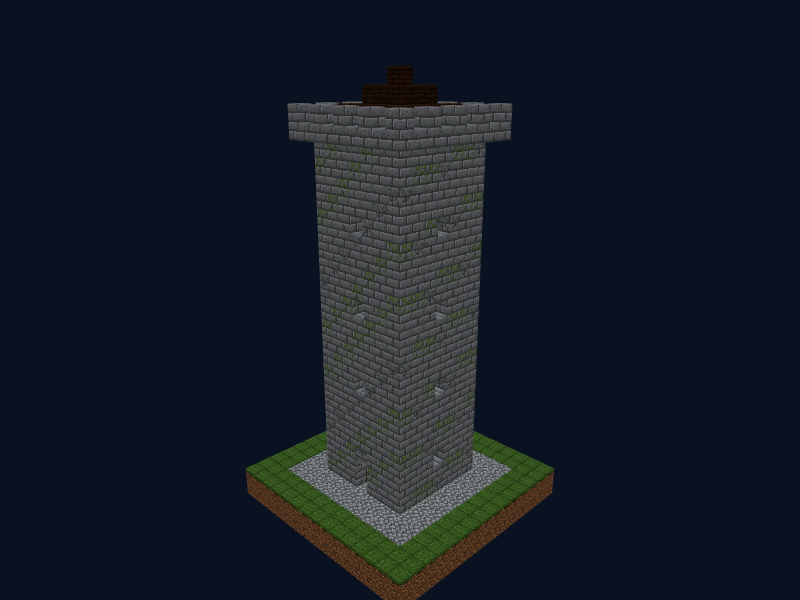
A tall stone tower with arrow slits, a ladder inside, a crenellated platform and a pointed roof.
Oak Cottage
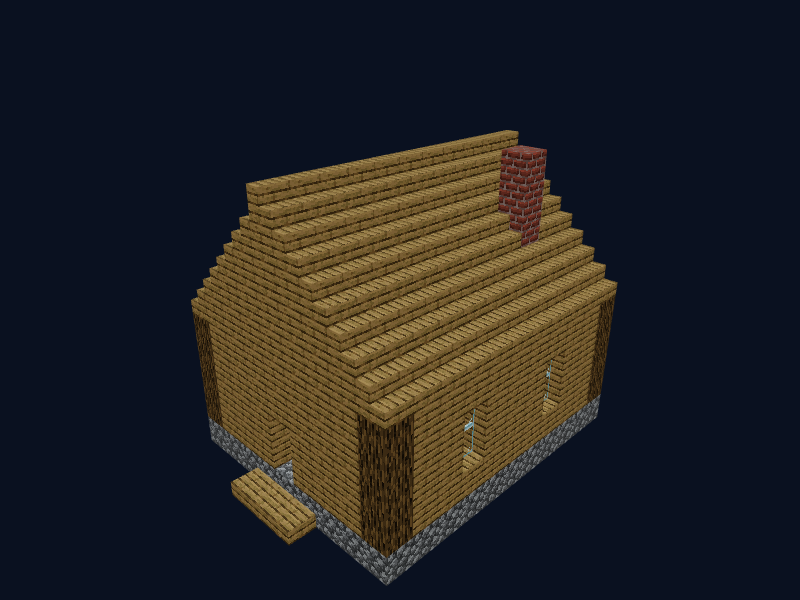
A simple, cosy house made of oak and cobblestone with a gabled roof, windows and a chimney.
Build author: TelepathicGrunt. License: LGPL-3.0, Repurposed Structures. Source: https://github.com/TelepathicGrunt/RepurposedStructures. The file is distributed unmodified.