
Minecraft schematics › Oak Cottage
Oak Cottage: Minecraft schematic
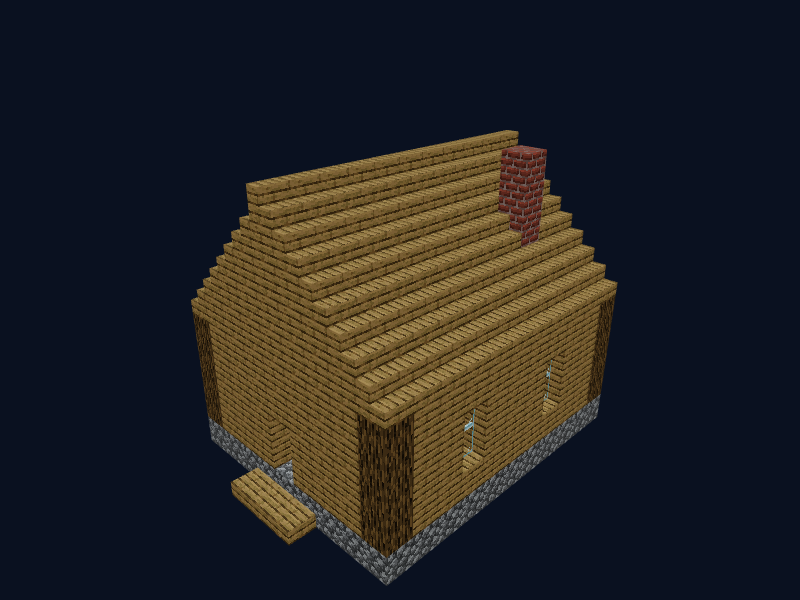
A simple, cosy house made of oak and cobblestone with a gabled roof, windows and a chimney. The easiest build for a beginner: few materials and only a handful of stages.
Materials for the build
To build the "Oak Cottage" you need 383 blocks of 10 kinds. The full list is below; stacks (64 each) are approximate.
| Material | Amount | Stacks |
|---|---|---|
| Oak Planks | 150 | 2 stacks + 22 |
| Oak Stairs | 98 | 1 stack + 34 |
| Spruce Planks | 63 | 63 |
| Cobblestone | 36 | 36 |
| Oak Log | 16 | 16 |
| Glass Pane | 8 | 8 |
| Bricks | 5 | 5 |
| Oak Slab | 3 | 3 |
| Oak Door | 2 | 2 |
| Wall Torch | 2 | 2 |
How to build the oak cottage: layer by layer
Build from the bottom up. Layer 1 is the lowest. In the 3D viewer turn on "Only the current layer" to see the shape of each layer on its own.
- Layer 1 (102 blocks): spruce planks ×63, cobblestone ×36, oak slab ×3.
- Layer 2 (36 blocks): oak planks ×31, oak log ×4, oak door ×1.
- Layer 3 (36 blocks): oak planks ×27, oak log ×4, glass pane ×4, oak door ×1.
- Layer 4 (38 blocks): oak planks ×28, oak log ×4, glass pane ×4, wall torch ×2.
- Layer 5 (36 blocks): oak planks ×32, oak log ×4.
- Layer 6 (37 blocks): oak stairs ×22, oak planks ×14, bricks ×1.
- Layer 7 (33 blocks): oak stairs ×22, oak planks ×10, bricks ×1.
- Layer 8 (28 blocks): oak stairs ×21, oak planks ×6, bricks ×1.
- Layer 9 (25 blocks): oak stairs ×22, oak planks ×2, bricks ×1.
- Layer 10 (12 blocks): oak stairs ×11, bricks ×1.
How to paste the schematic into the game
This build is saved as Litematica (.litematic). To place it automatically:
- Install the Litematica client mod (Fabric or NeoForge) for your Minecraft version.
- Put the downloaded file into
.minecraft/schematics. - In game open the Litematica menu (M), choose "Load Schematics", find the file and load it.
- Place the projection where you want it ("Create Placement"). Missing blocks are highlighted and the material list shows how much of everything you need.
Do not want to install anything? Build by hand: open the build in 3D, follow the layer list above and gather the materials from the table.
More Minecraft builds
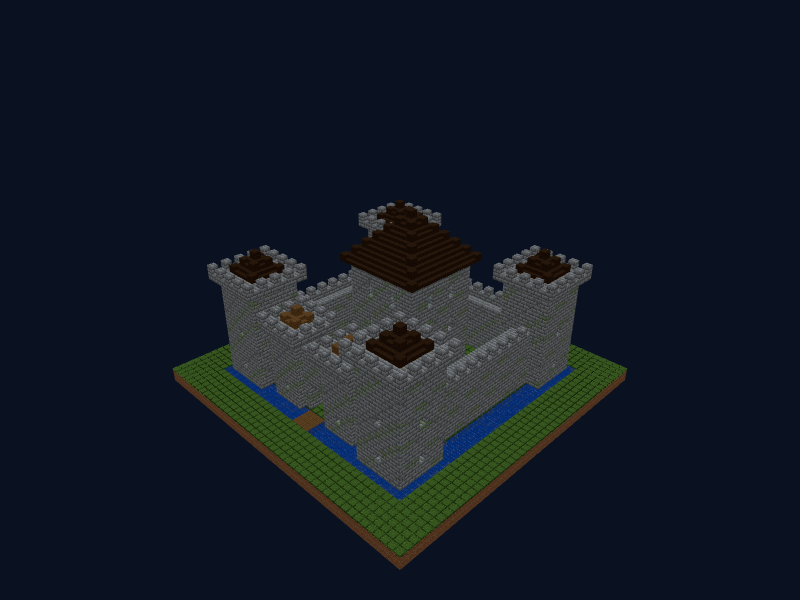
Medieval Castle
A stone castle with a moat and drawbridge: a crenellated wall, four corner towers, a gate with a portcullis and a central keep with a dark oak roof.
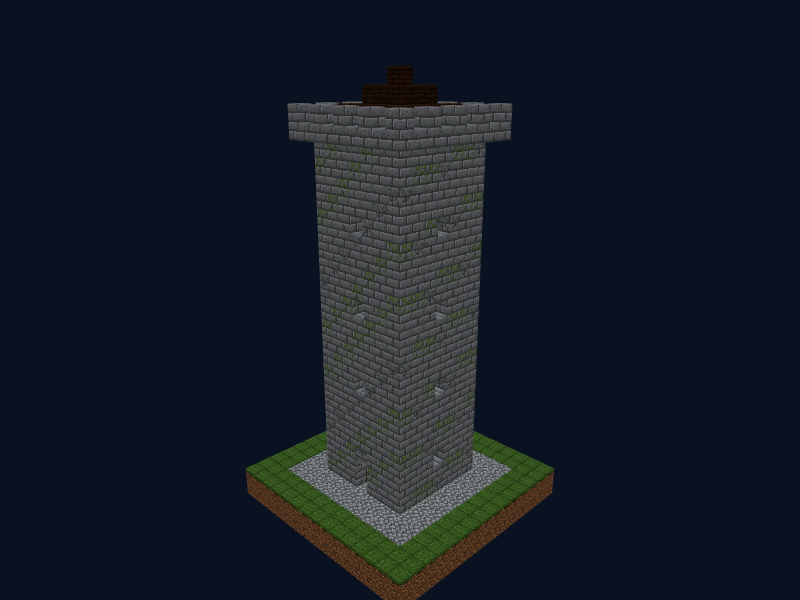
Watchtower
A tall stone tower with arrow slits, a ladder inside, a crenellated platform and a pointed roof.
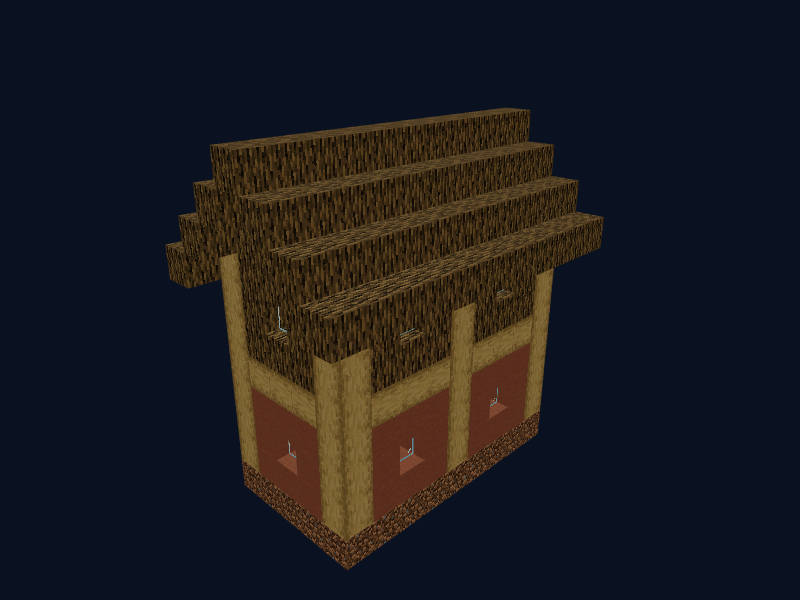
Big House (Oak)
A spacious village house with oak walls, a terracotta roof, beds and windows.