BeezzLand

Minecraft schematics › Two-Story Cherry House

Two-Story Cherry House

Author: Gorillo

Two-Story Cherry House: Minecraft schematic

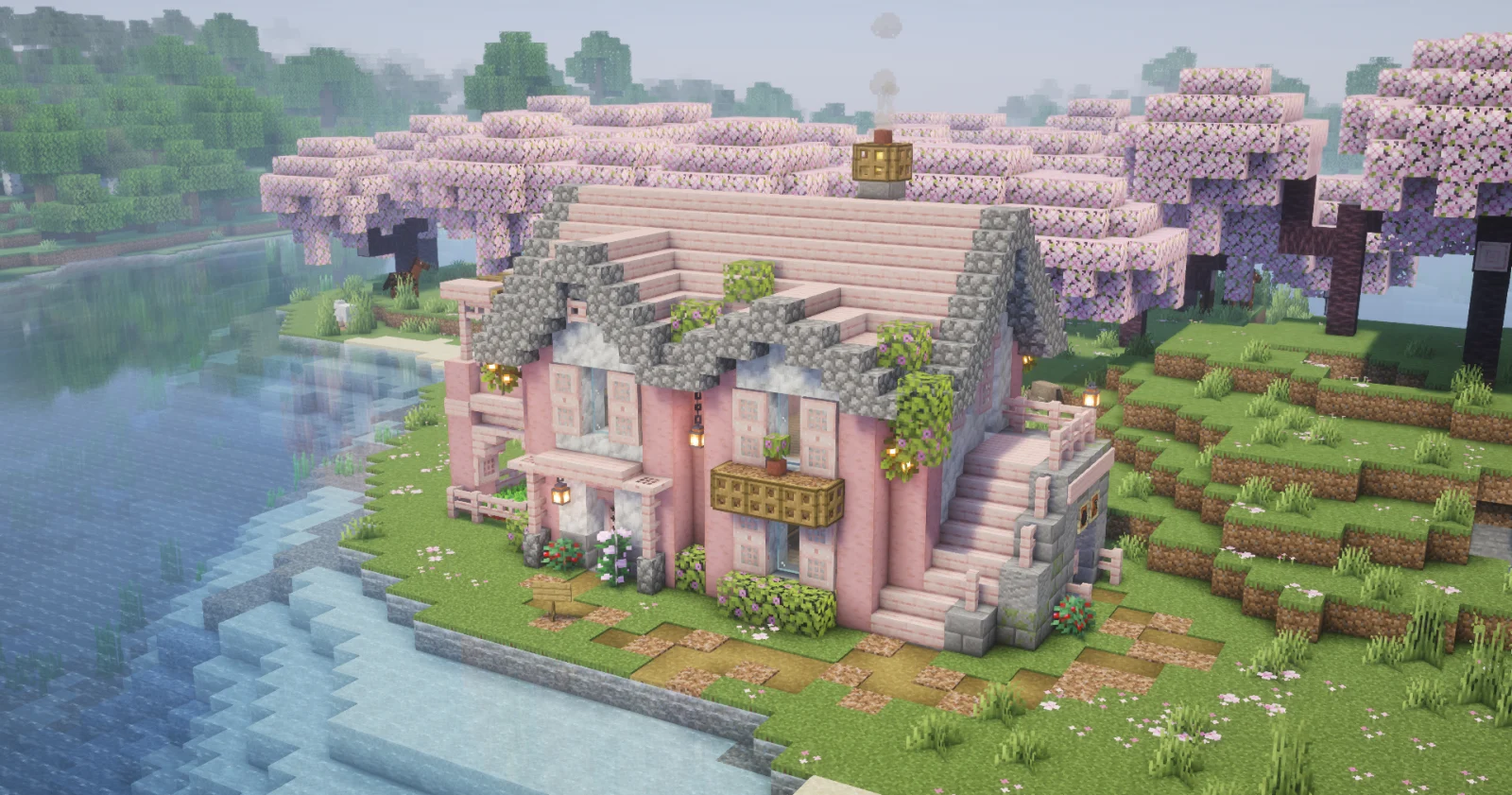
A two-story house of cherry wood and calcite for a riverbank: a pink roof with a stone edge, a balcony with a flower box and an outside staircase to the upper floor. Inside there is a storeroom, a kitchen, a room with a painting and a bedroom.

Size22×14×13
Blocks1,394
Layers14

Outside

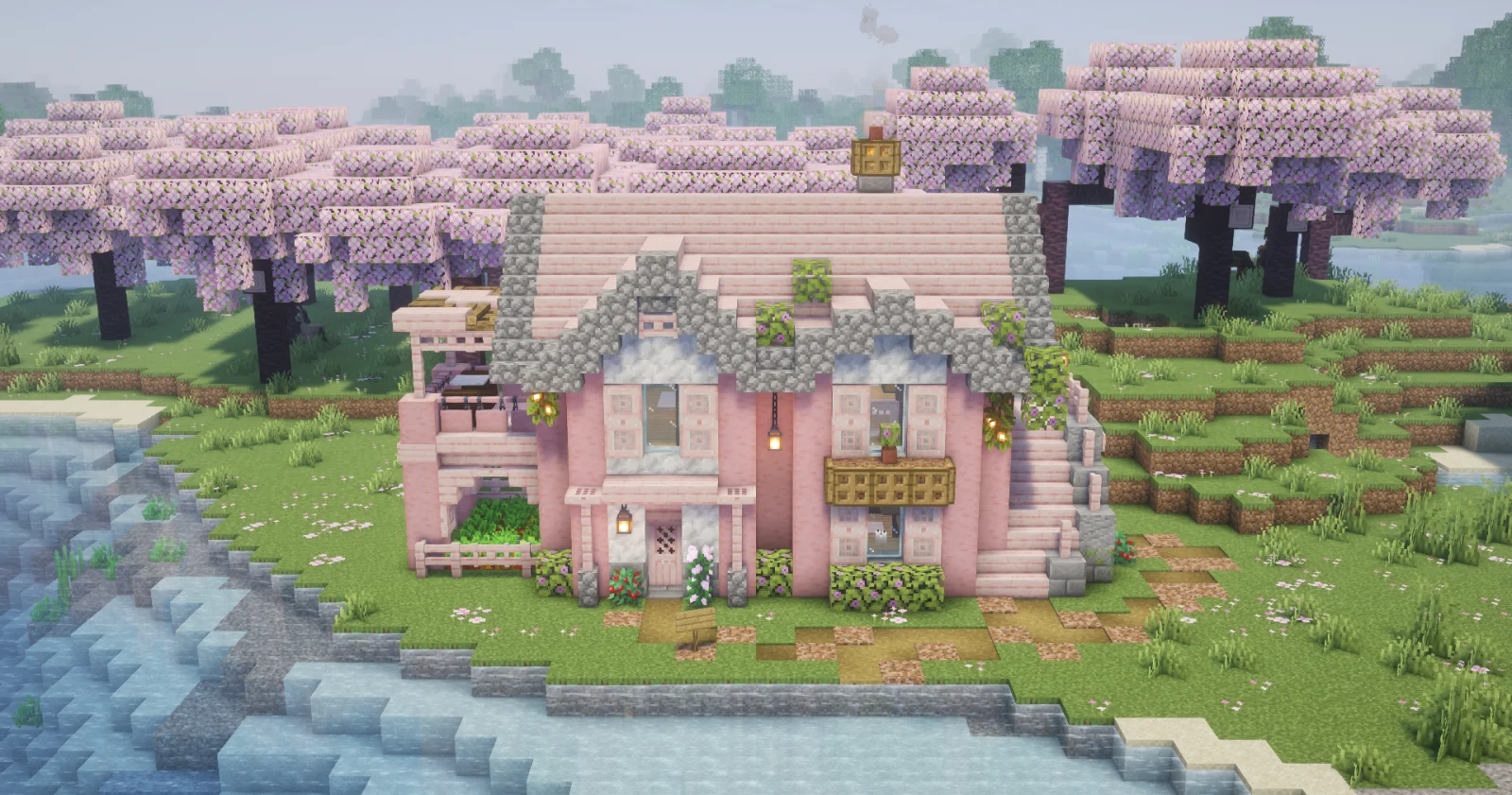
The frame is made of stripped cherry logs with light calcite walls between them. The pink roof of cherry stairs has a cobblestone edge and flowering azalea bushes on top, and smoke rises from a campfire in the chimney. Above the entrance there is a balcony with a flower box, on the right a stone staircase leads straight to the upper floor, and on the left there is a small terrace with railings. Around the house: grass with pink petals, garden beds and flowers. The house stands on a single layer of ground, so it fits any plot, especially by the water or in a cherry grove.
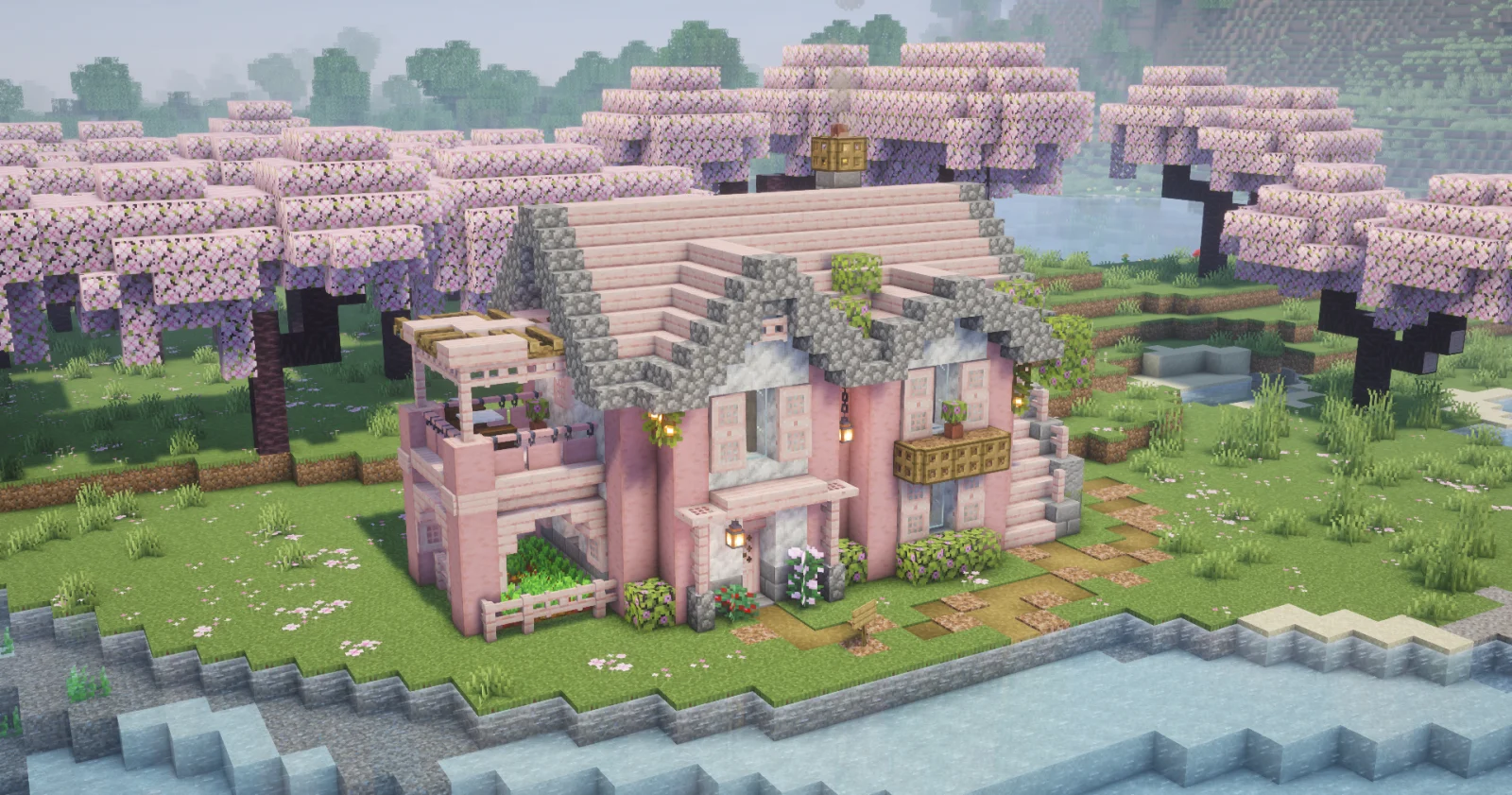
Two-Story Cherry House: view from the front left
The front: a balcony with a flower box and the entrance
From the right: the stone staircase to the upper floor

Inside

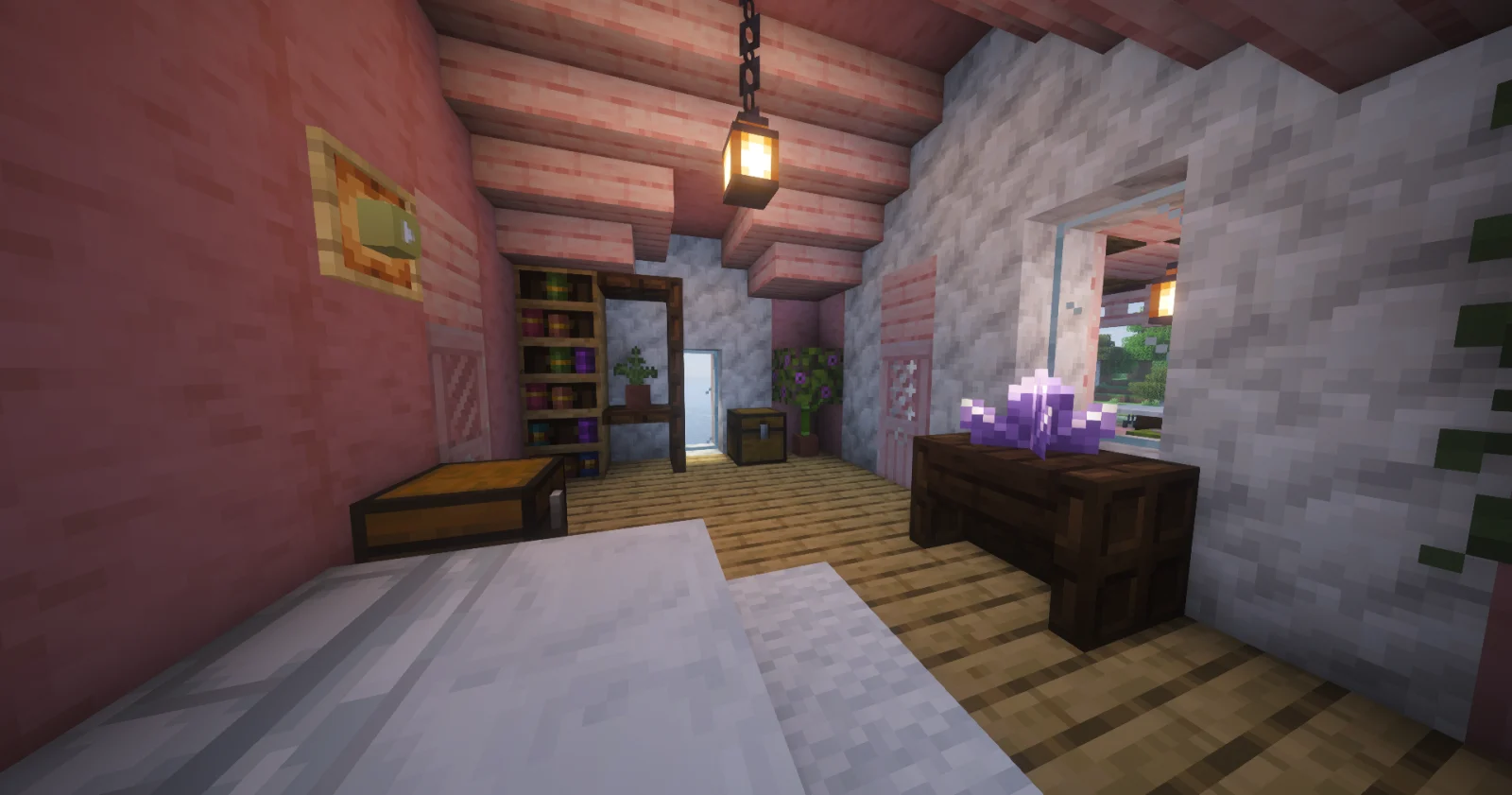
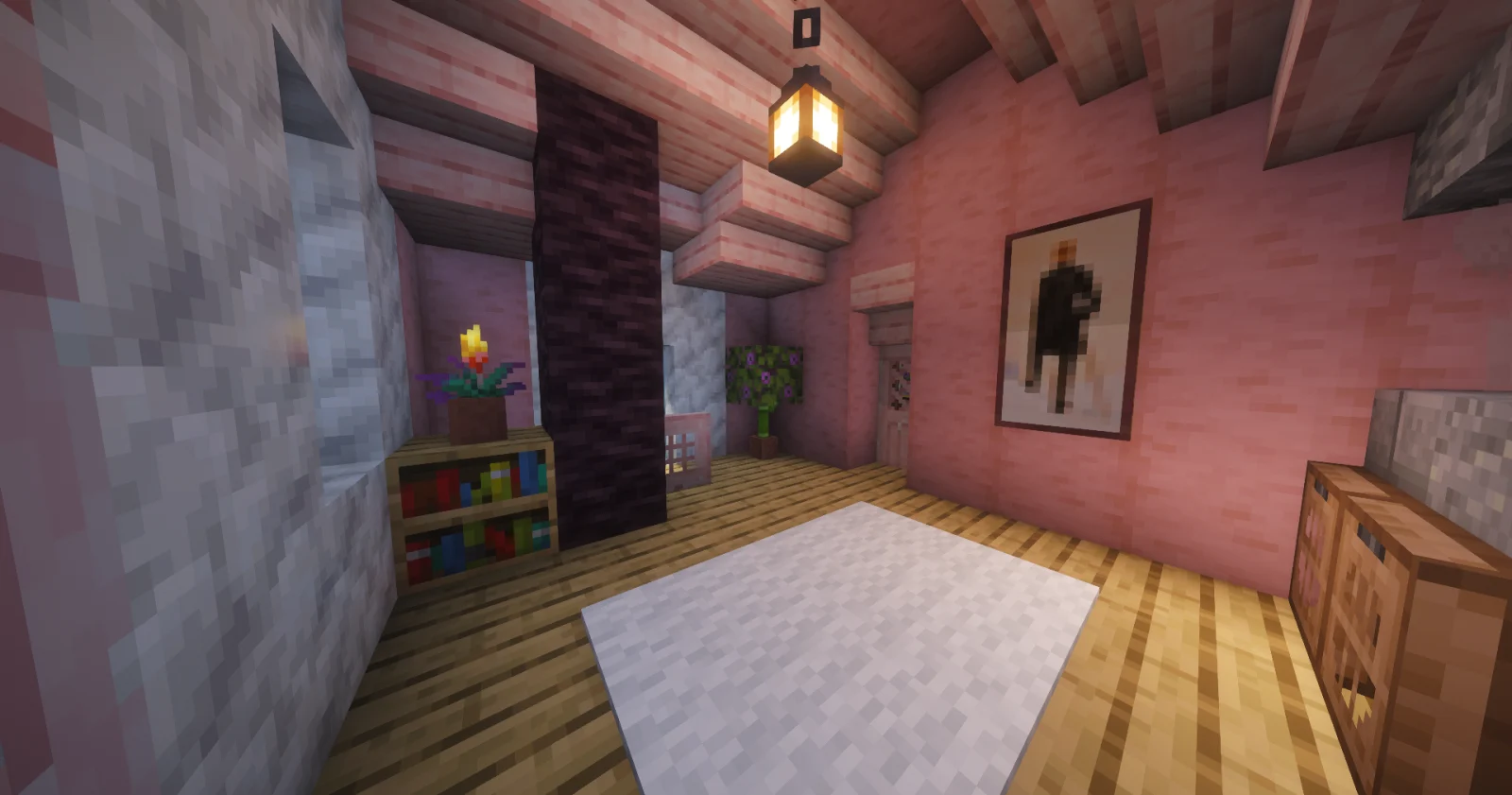
The ground floor has two rooms. The storeroom has chests, bookshelves, a bench and candles; the kitchen has a smoker, a blast furnace, a smooth quartz counter, barrels and a dining table with chairs. Upstairs there is a room with a painting, a bookshelf and a rug, and a bedroom with a double bed, chiseled bookshelves, a glow item frame on the wall and an amethyst on the nightstand.
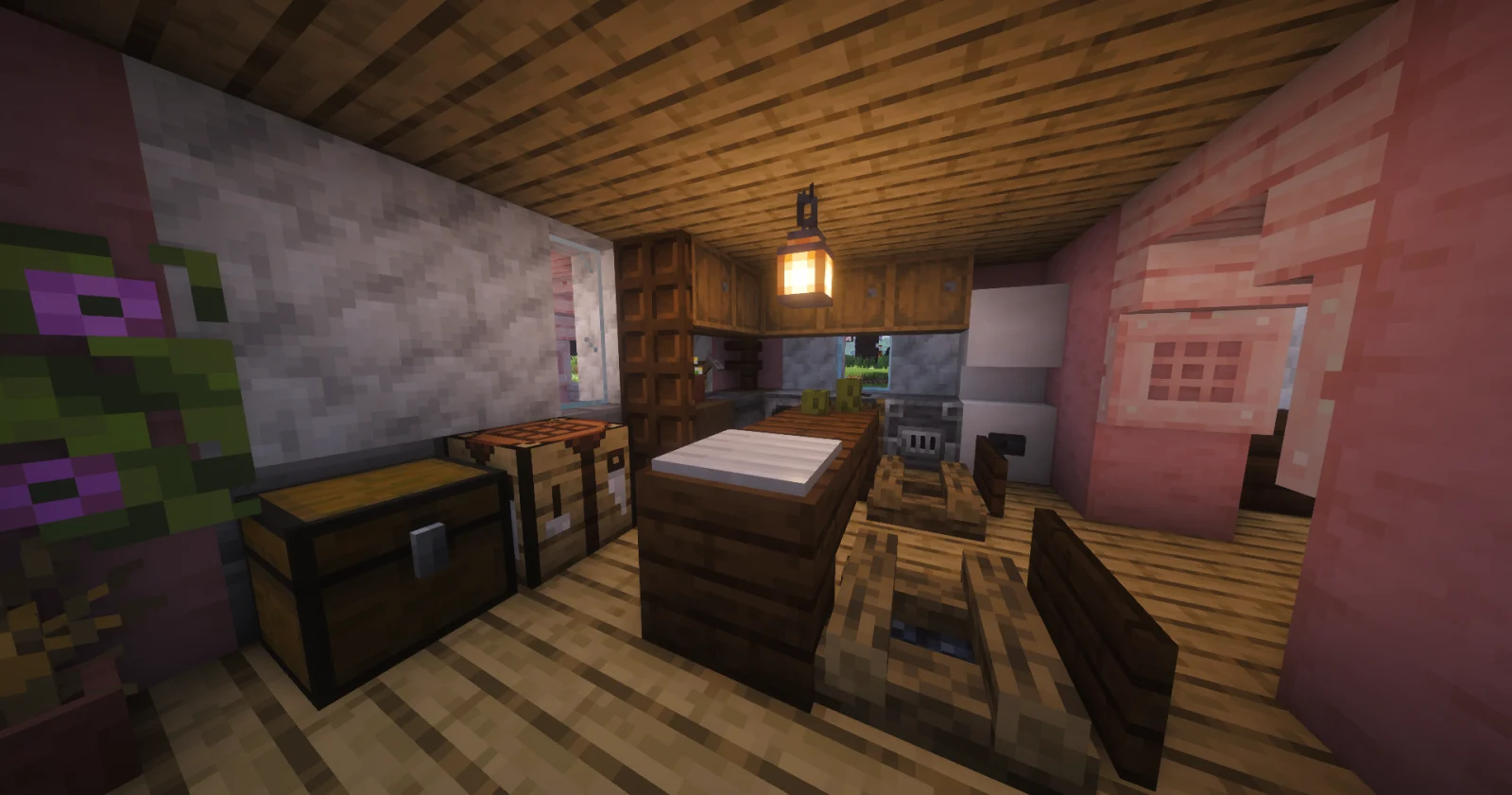
Kitchen: smoker, blast furnace and dining table
Upper floor: a room with a painting and a rug
Bedroom: bed, chiseled bookshelves and an amethyst

Materials

How to put the build into the game

This file opens with Litematica:

  1. Install the Litematica mod (with MaLiLib) for your game version.
  2. Put the downloaded file into .minecraft/schematics.
  3. In game press M, choose “Load Schematics”, pick the file and load it.
  4. The hologram appears where you stand: build it block by block, layer by layer.