BeezzLand

Minecraft schematics › Swiss Chalet

Swiss Chalet

Author: Gorillo

Swiss Chalet: Minecraft schematic

A two-story chalet in the Alpine style: light plastered walls, shutters on the windows, a wooden balcony with flower boxes under a wide roof and a Swiss flag by the entrance. Inside there is a living room with a fireplace, a kitchen and two rooms upstairs.

Size19×15×20
Blocks2,031
Layers15

Outside

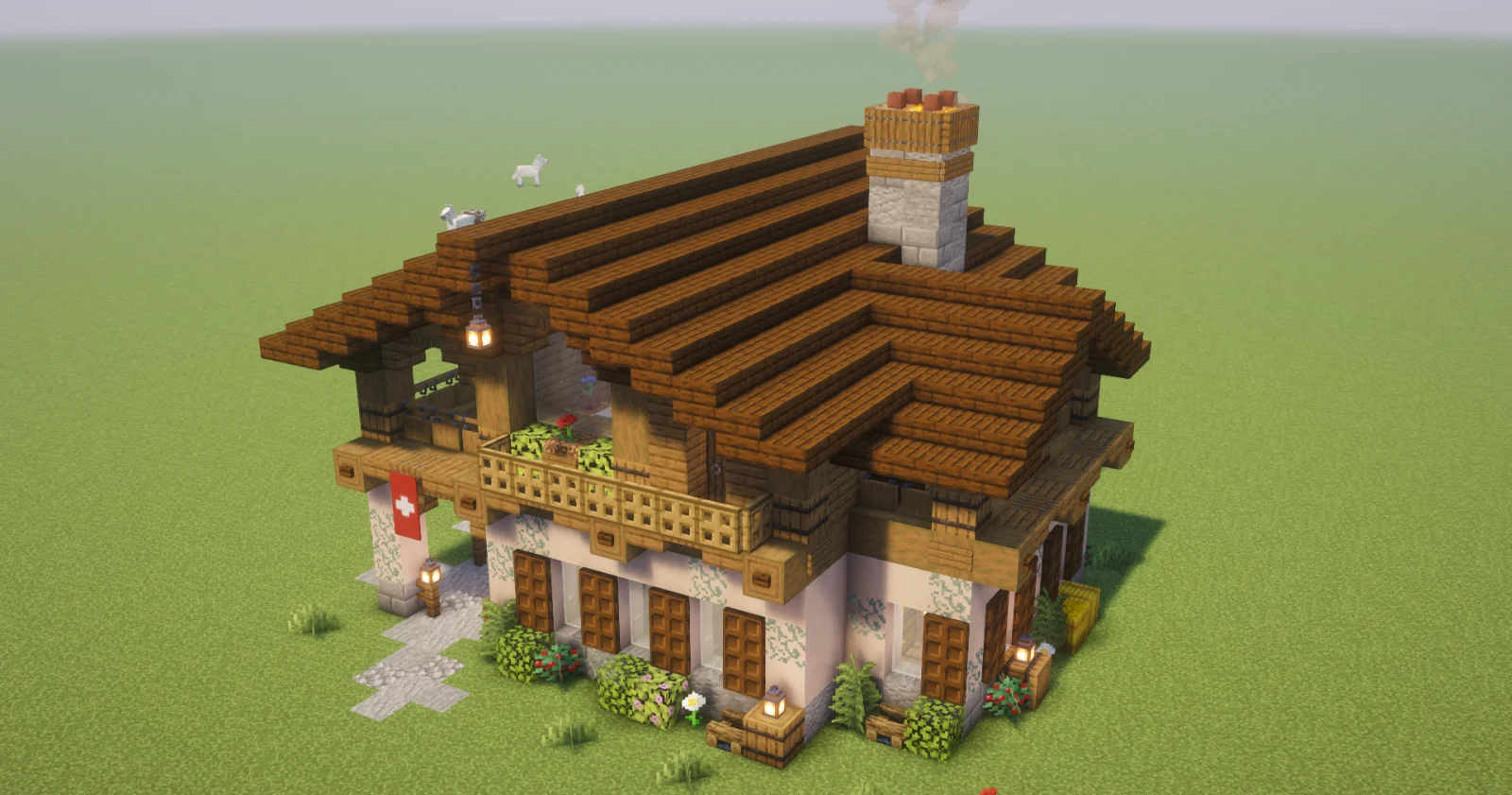
The ground floor is White Terracotta on a stone base of andesite and tuff, with glow lichen creeping over the walls. The windows have wooden shutters made of trapdoors. The upper floor is clad in spruce planks, and a carved balcony with flower boxes runs along the front. Above it is a wide gable roof with deep overhangs, like on real Alpine houses, and a stone chimney with smoke from a campfire. Lanterns hang under the roof, a Swiss flag hangs by the entrance, and around the house there are bushes, flowers and a stone path. The house stands on a single layer of grass, so it fits any plot, especially in the mountains and on snowy slopes.
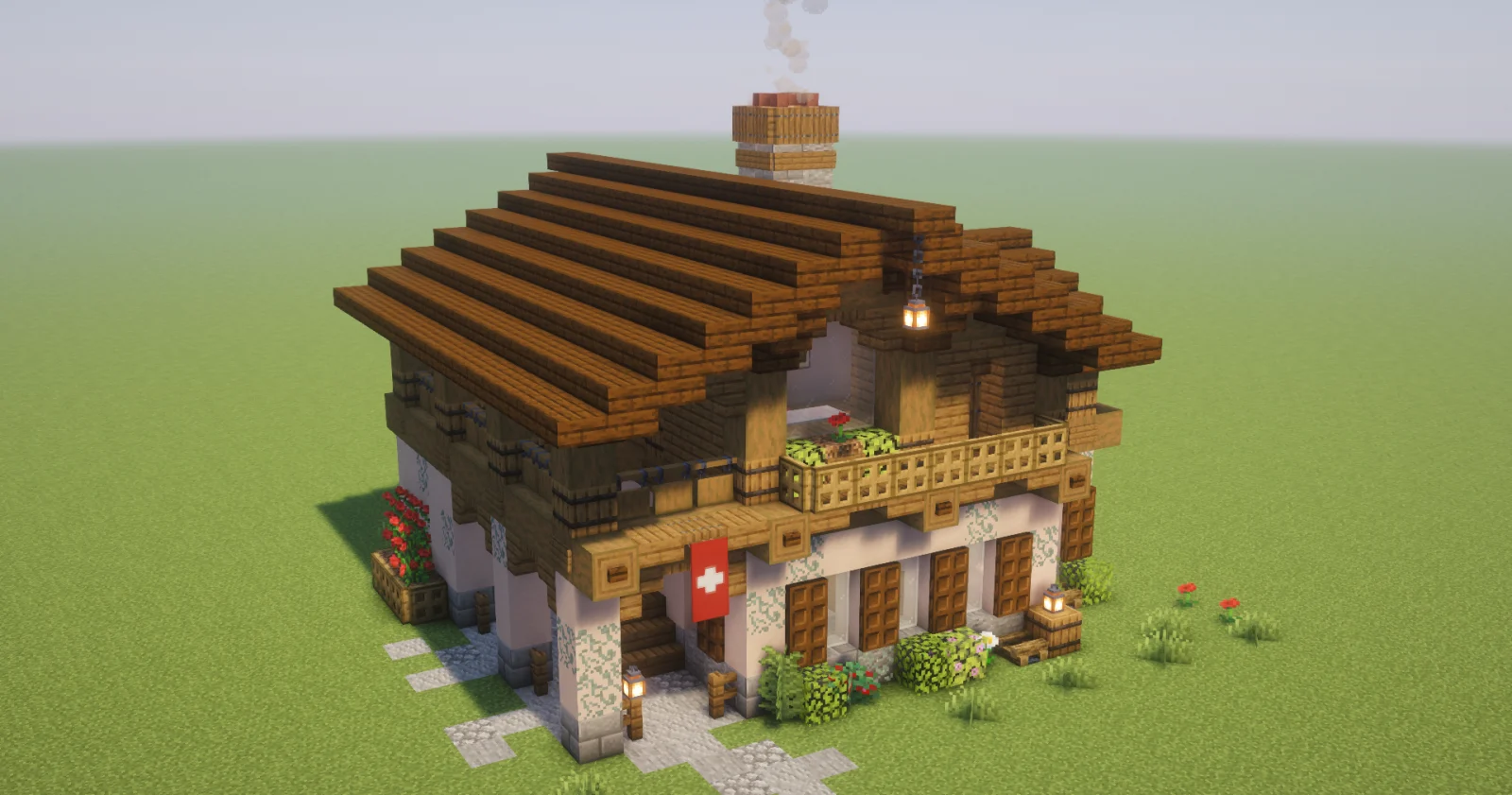
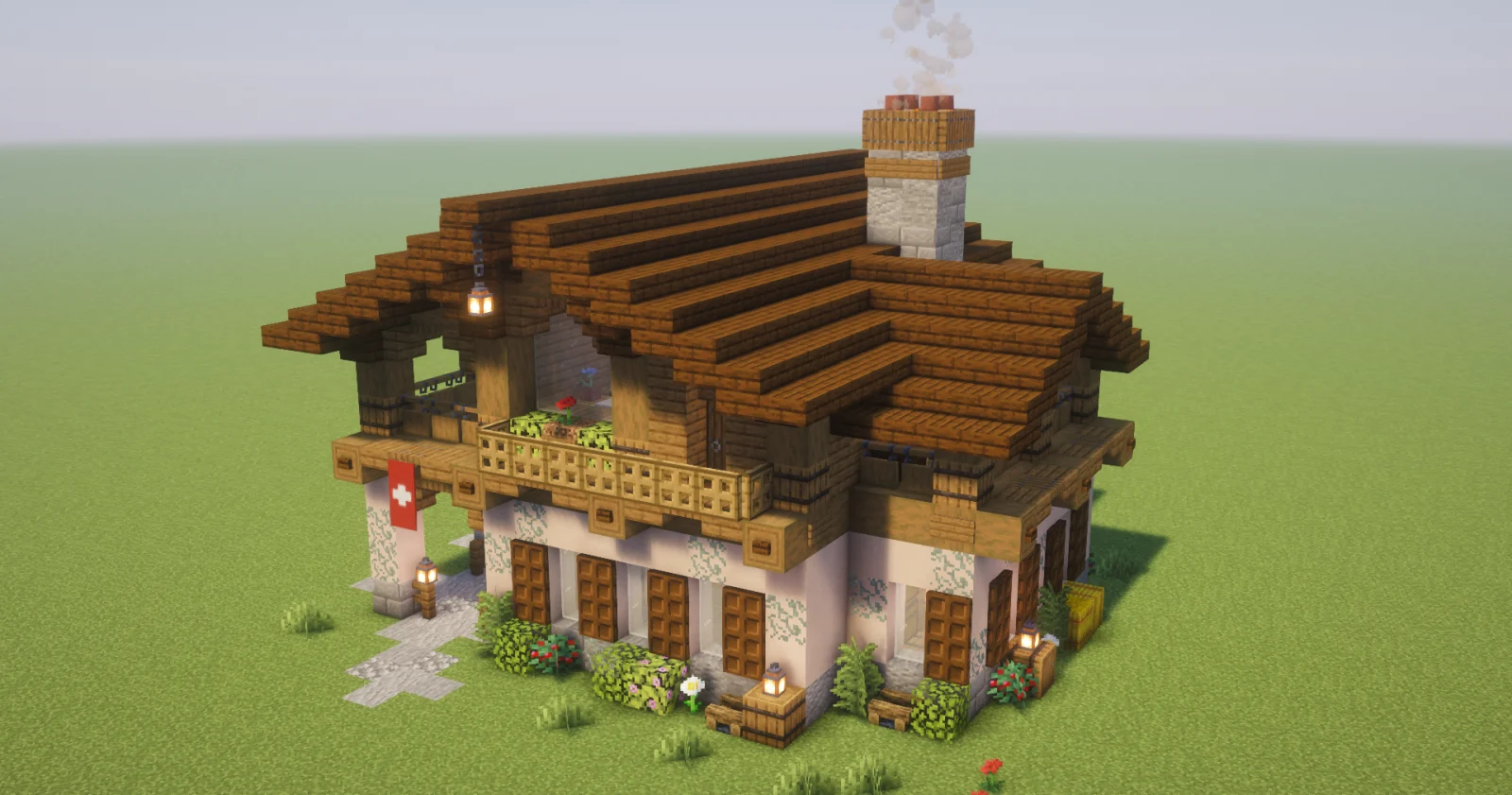
Swiss Chalet: the front from the left
The chalet from the right: balcony and wide roof
From above on the right: the chimney and the side roof

Inside

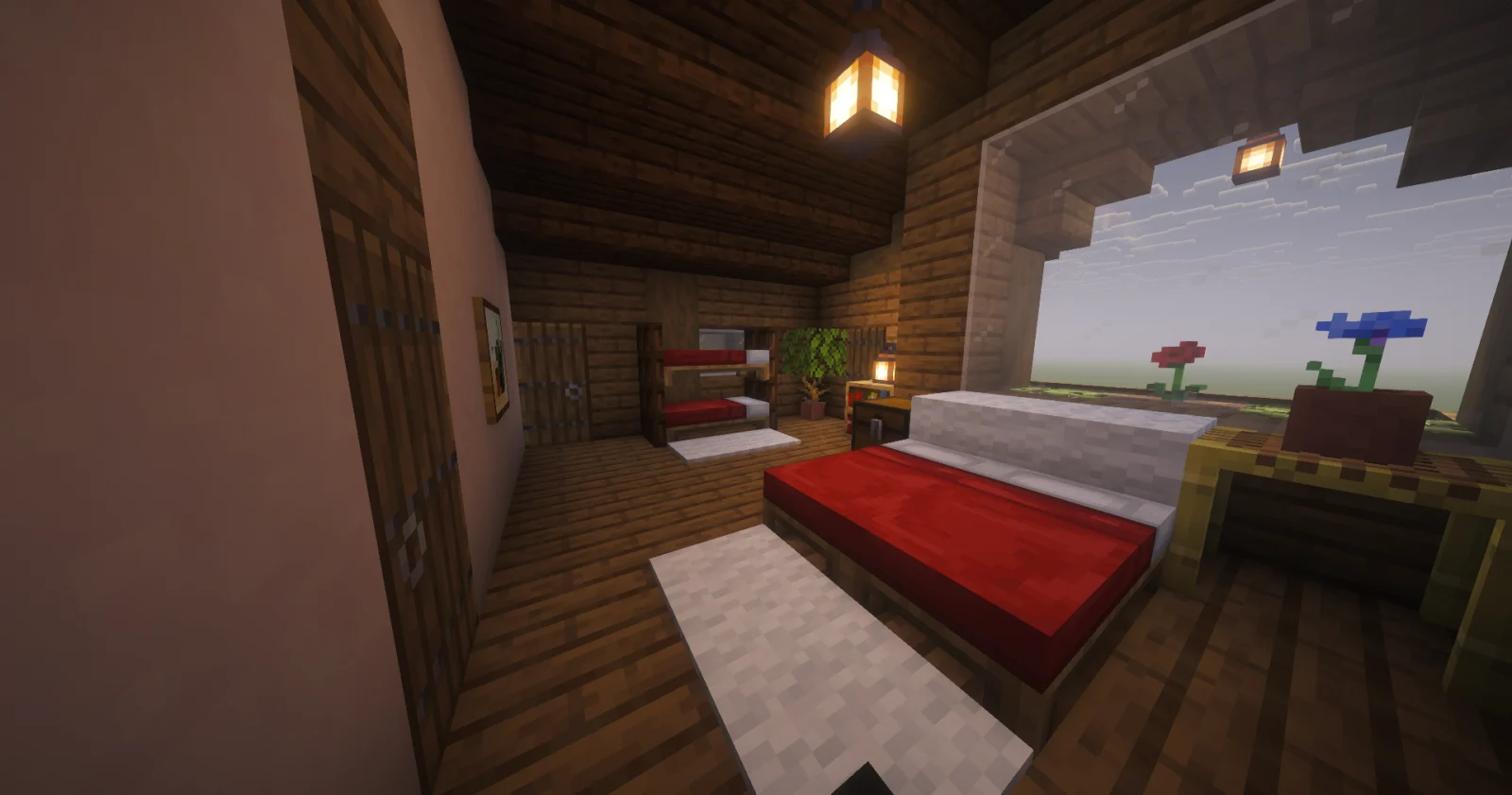
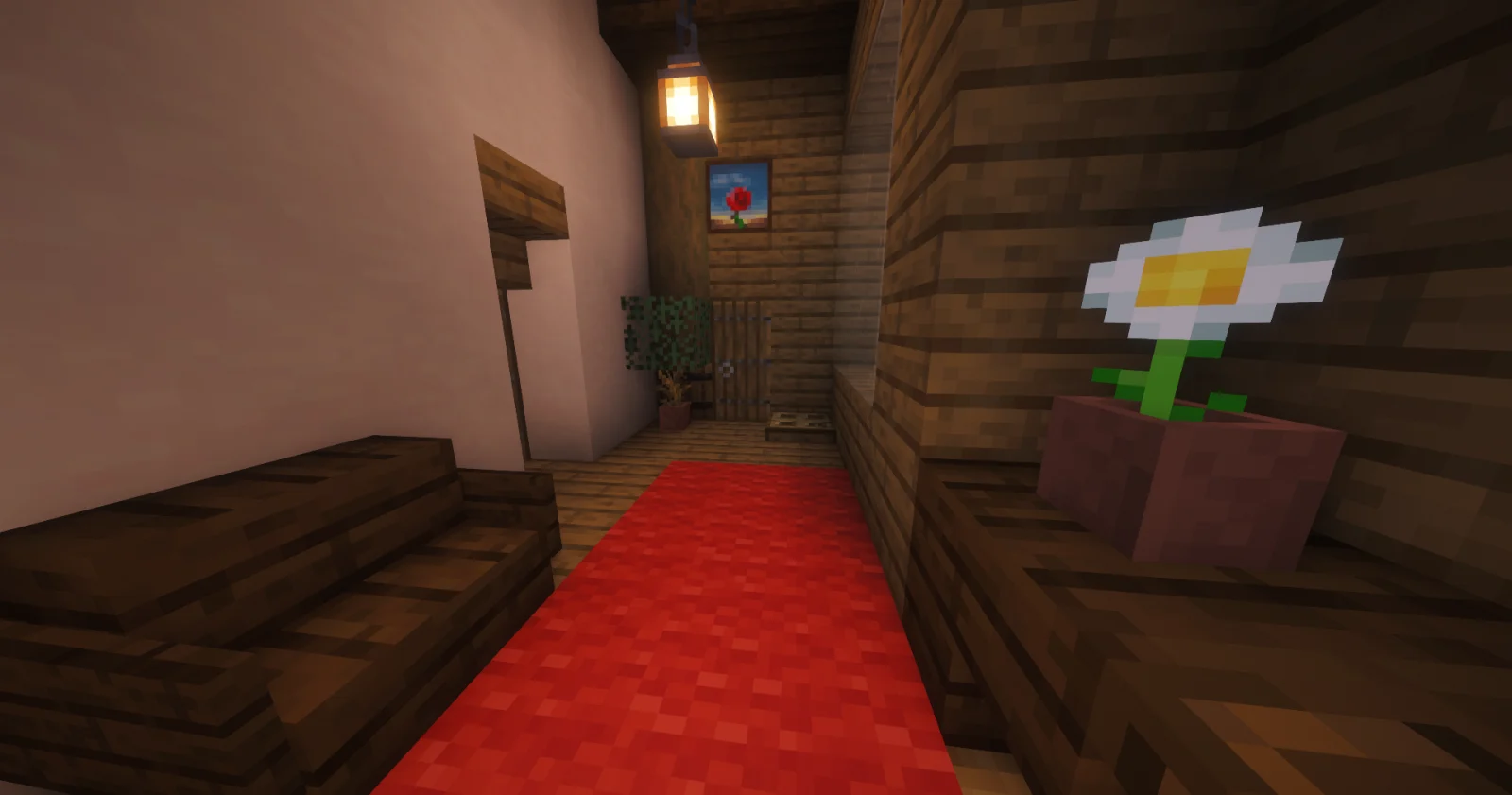
The ground floor is one big room. The living room has a stone fireplace, a low table and chests along the wall instead of cupboards, with an amethyst on the shelf. Behind the arch is a kitchen with a furnace, a smoker and a blast furnace. A ladder leads upstairs. The upper floor has a bedroom with a double bed and nightstands with flowers, and a room with a fireplace, a red carpet runner and paintings.
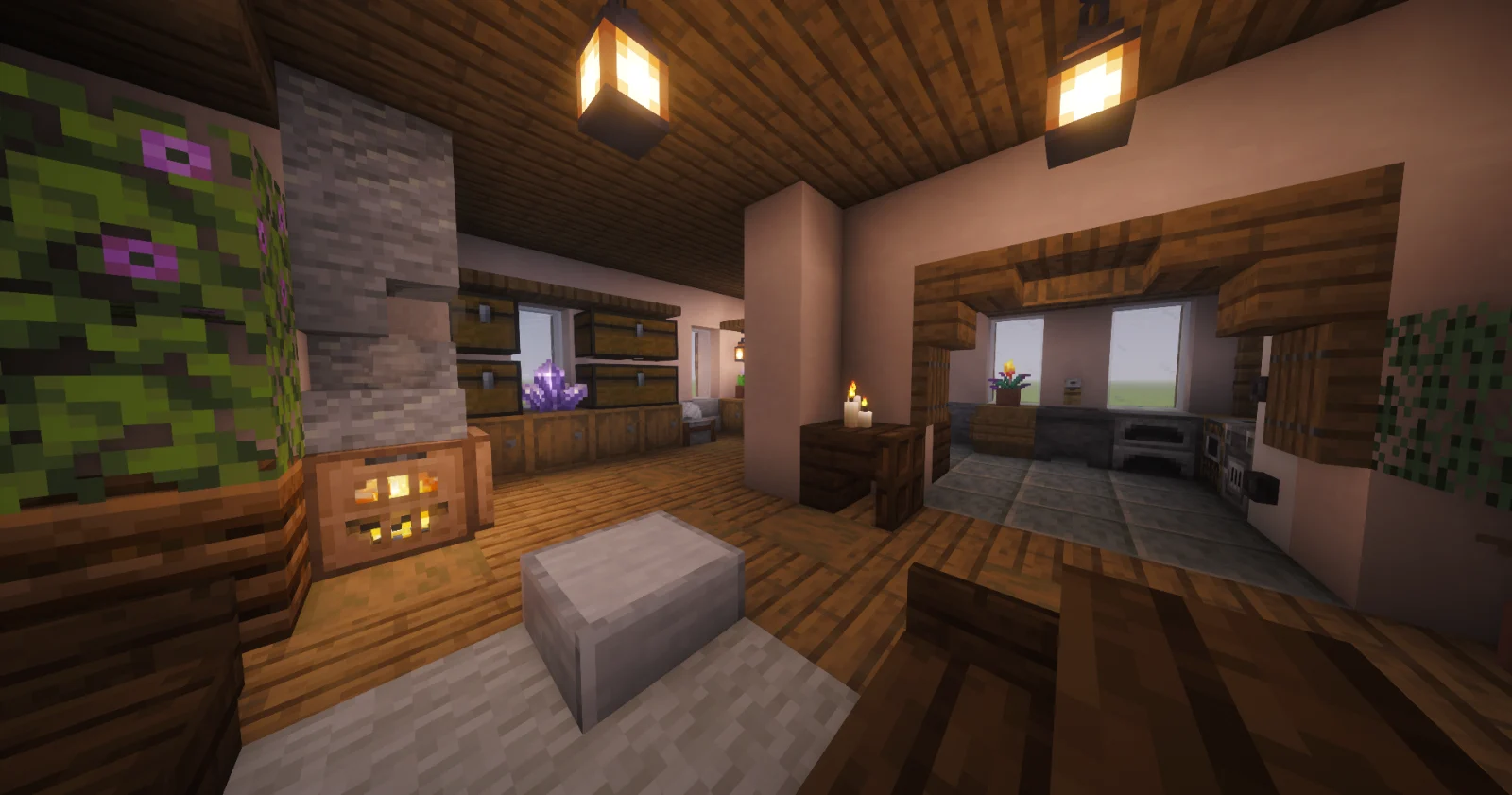
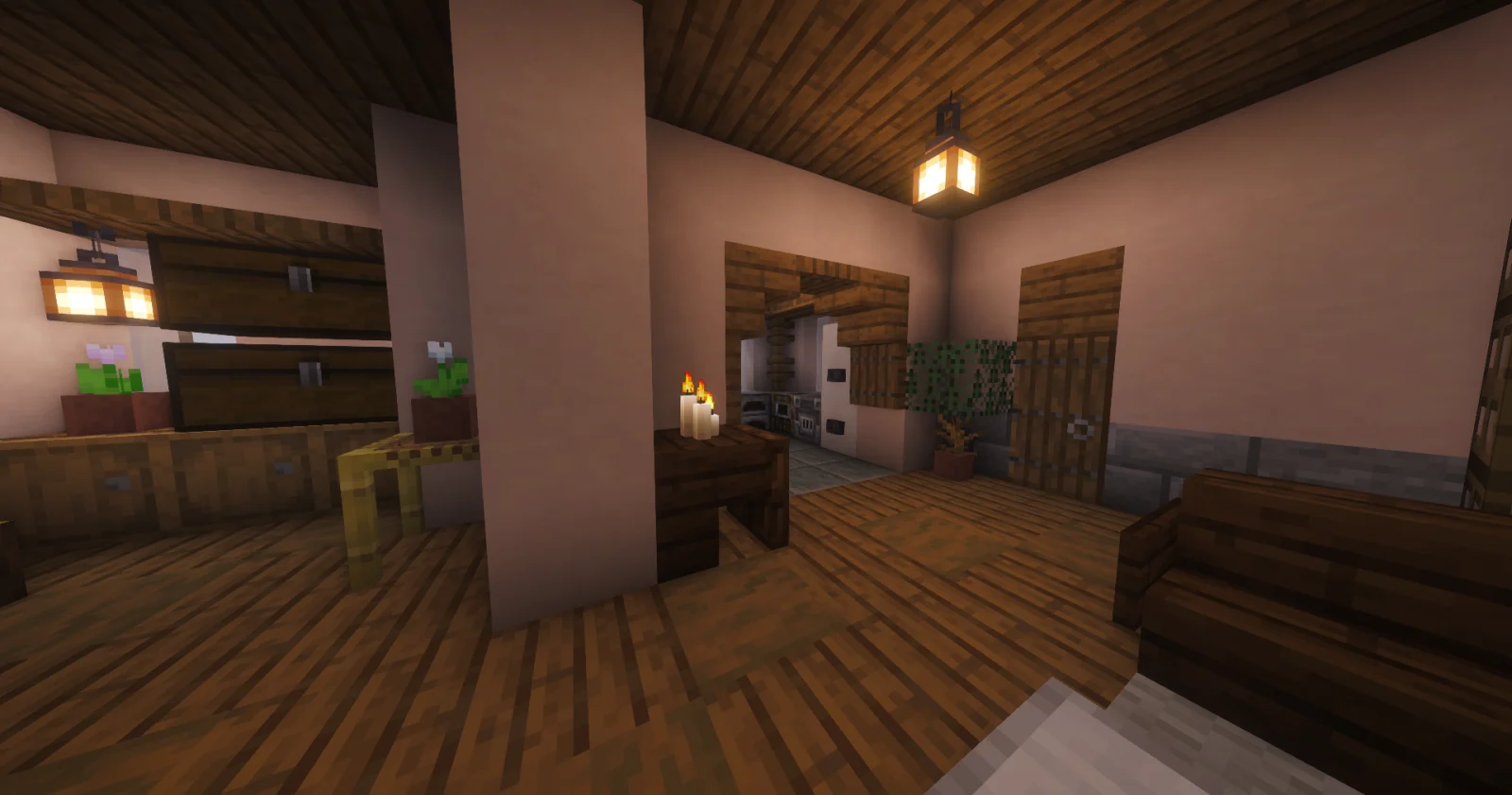
Living room with a fireplace, the kitchen behind the arch
Ground floor: chests along the wall and a dining corner
Bedroom on the upper floor
Room with a fireplace and a red carpet runner

Materials

How to put the build into the game

This file opens with Litematica:

  1. Install the Litematica mod (with MaLiLib) for your game version.
  2. Put the downloaded file into .minecraft/schematics.
  3. In game press M, choose “Load Schematics”, pick the file and load it.
  4. The hologram appears where you stand: build it block by block, layer by layer.